
Lowpi on Web, Mobile & Browser – One Smart Shopping Companion
Lowpi is more than a website. It’s a small ecosystem that helps you understand prices better: you can use Lowpi from your browser, from your phone, or directly inside store pages with our Chrome extension. This page explains how everything fits together and how to get the most out of Lowpi without replacing our main regional pages like /us, /precio, /canada, /uk, etc.
Use Lowpi in the way that fits you best:
- On the web: browse products, see price history, and compare across stores.
- On Android & iPhone: carry a fast, privacy-friendly price tool in your pocket.
- With the Chrome extension: let Lowpi quietly check for better options while you shop.
How Lowpi Fits Into Your Shopping Flow
1. Start with the Product
You see a laptop, phone, TV, or any tech product you’re interested in. Maybe it’s on Amazon, Walmart, Mercado Libre, or another store — Lowpi works around that.
2. Check Prices with Lowpi
On the web or in the app, you search the product name or model. With the extension, you just open the product page and click the Lowpi icon.
3. Decide with Context
You see prices from different stores, plus price trends and availability. If it’s not a good moment, you wait. If the deal is strong, you buy with more confidence.
Lowpi on the Web
The web version of Lowpi is ideal when you want a clear overview with more detail: price history charts, related products, and country-specific offers.
- • Product pages with historical price graphs and related items.
- • Multi-country coverage (USA, México, Canada, UK, Germany, France, Spain, Italy, Japan, and more).
- • Focus on tech first: laptops, phones, consoles, TVs, PC parts, and home electronics.
Lowpi Mobile Apps (Android & iOS)
The Lowpi app is built for people who like to check prices on the go. It’s lightweight, simple, and doesn’t ask for unnecessary permissions. You can quickly look up a product while you’re in a store, at home, or on the move.
Key things the app is good at
- • Quick search for laptops, phones, TVs, gaming and more.
- • Instant view of prices from multiple major stores.
- • Price history so you can see if today’s price is actually a deal.
- • Works across several countries, not just one market.
- • Future support for smart price alerts when a product drops in price.
Lowpi Chrome Extension
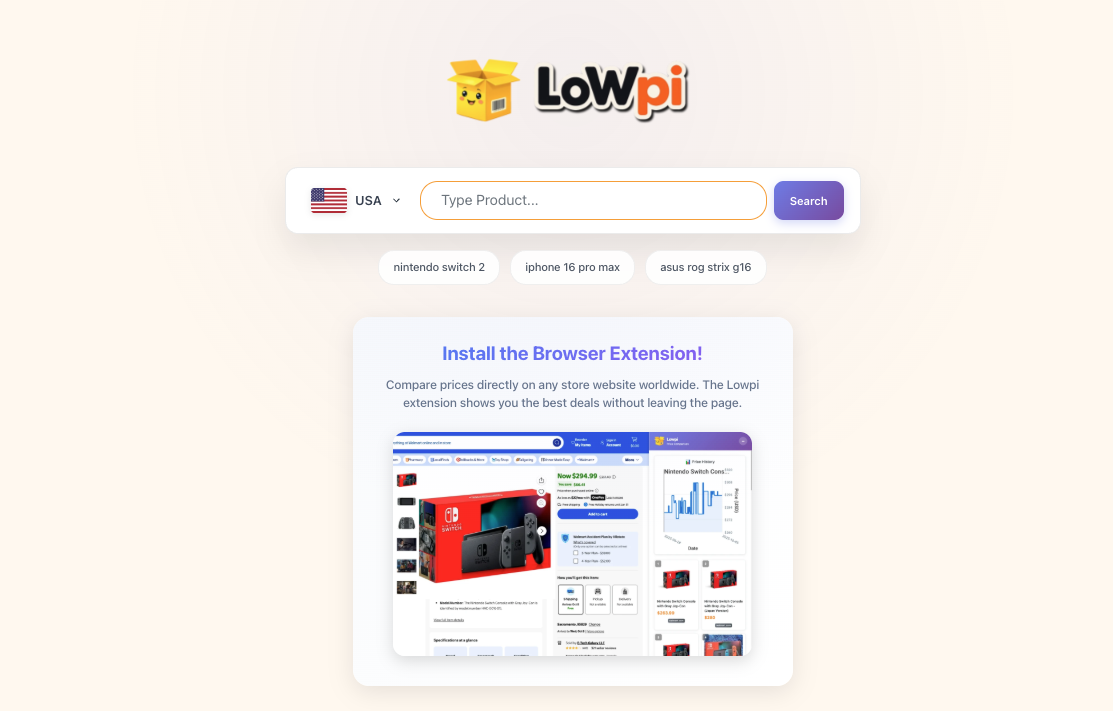
The Chrome extension is for people who like to research directly on store websites. Instead of switching tabs, Lowpi comes to you while you’re already on a product page.
What the extension does
- • Detects the product you’re viewing on supported stores.
- • Shows alternative prices and availability in a small panel.
- • Gives you price history context so you know if it’s high, low, or average.
- • Can alert you when price drops (where supported).
- • Works for multiple regions, not only one country.
Who Lowpi Is For
Tech Shoppers
People buying laptops, gaming PCs, monitors, consoles, or phones who want to make sure they are not missing a better price in another store or country.
Deal Hunters
Users who care about timing, price history, and promotions — not just “today’s discount” but whether it’s truly a good moment to buy.
Multi-Country Shoppers
People who live near borders, travel, or simply like to compare prices between regions like USA, Mexico, Canada, or Europe before committing to a purchase.
Trust, Transparency & Affiliate Links
Lowpi is free for users. To keep the project running, some stores may pay a small commission if you click a link and make a purchase. This doesn’t change what you pay or how we organize the information.
- • You don’t pay extra because of affiliate links.
- • We don’t charge users for access to Lowpi.
- • The goal is always to show clear and honest information.
If you ever spot something that looks wrong (a bad match, strange price, missing store), you can always reach out and we’ll review it.
Frequently Asked Questions
Start Using Lowpi Your Way
You can think of Lowpi as a quiet helper that checks how prices look in the background, so you don’t have to open ten tabs every time you want to buy something.
As an Amazon Associate I earn from qualifying purchases.